
A suspicious inbox rule, a sign-in from an unfamiliar location, and a message carrying a credential-harvesting link can look like three separate alerts. They are often one incident. An effective email threat investigation workflow turns those disconnected signals into a fast, defensible decision: benign, malicious, or still under review. The difference matters when a phishing email becomes an account takeover, lateral movement, or data loss within minutes.
For many SOCs, email remains both a high-volume alert source and an operational blind spot. The secure email gateway may identify a message, but the analyst still has to pivot into identity logs, endpoint telemetry, cloud activity, and ticketing systems to understand what happened next. That manual work creates delays precisely when speed has the highest value.
Why email investigations break down
Email investigations rarely fail because analysts cannot recognize a bad attachment or spoofed domain. They fail because the workflow stops at the message. A gateway alert may show that an email was delivered, quarantined, or clicked, but it may not show whether the recipient authenticated to a fake Microsoft 365 page, whether the attacker created forwarding rules, or whether the same infrastructure reached other users.
Fragmented tooling adds friction at every stage. Analysts copy indicators between consoles, search recipients manually, request endpoint context from another team, and document actions after the fact. A noisy campaign can consume hours even when the actual threat is straightforward. Meanwhile, a low-confidence alert may be dismissed despite evidence elsewhere that changes its priority.
The operating goal is not to investigate every email with equal depth. It is to rapidly establish impact, scope, and containment actions with enough evidence to make the next decision confidently. That requires a workflow built around correlation, not isolated alerts.
A practical email threat investigation workflow
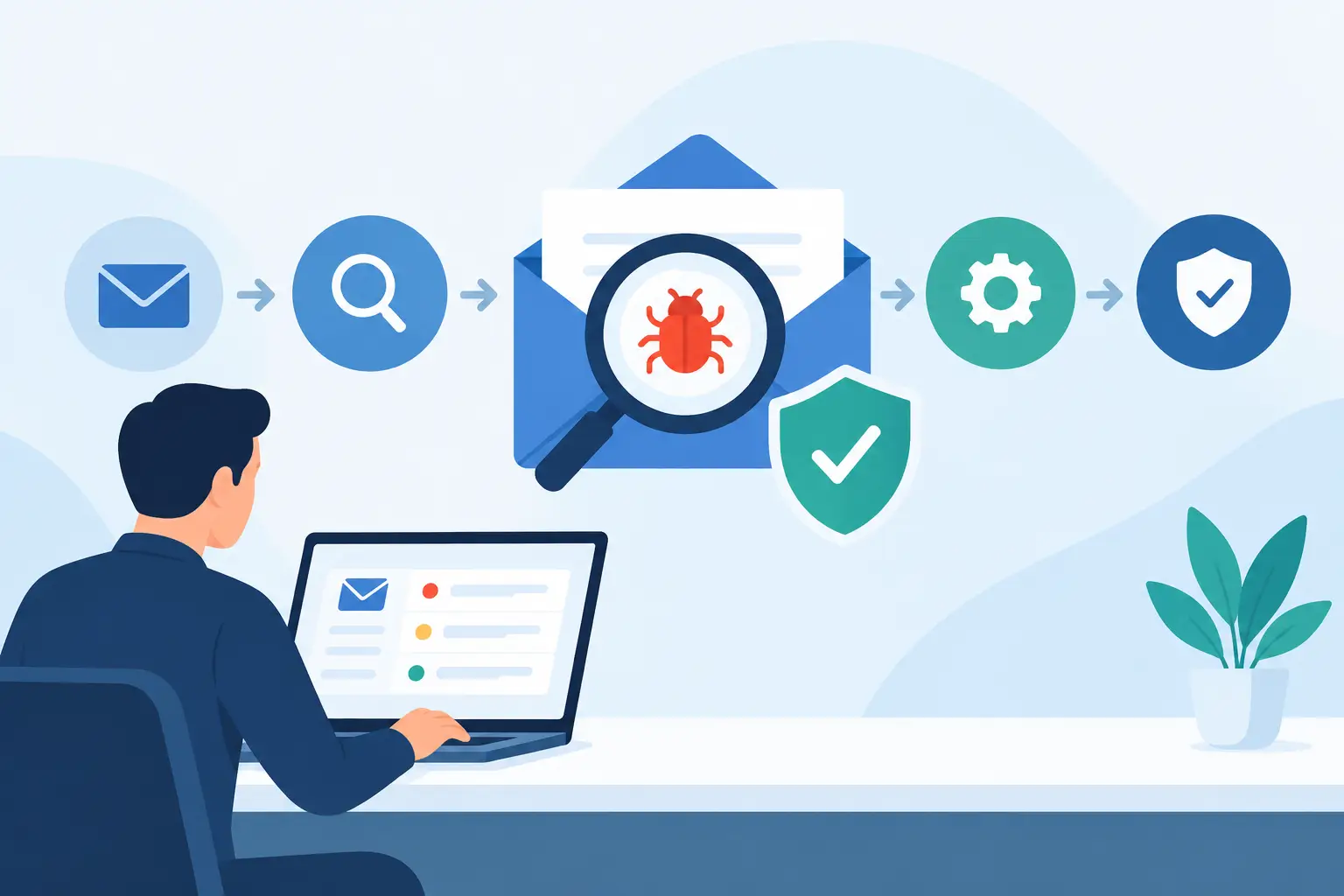
A mature workflow moves from alert intake to validation, enrichment, scoping, containment, and documented recovery. The sequence should be consistent, but the depth of analysis should vary according to business risk, user privilege, delivery status, and available evidence.
1. Triage the message and recipient context
Start with the message itself: sender identity, display-name mismatch, return path, reply-to address, authentication results, URLs, attachments, and delivery status. Determine whether the message was blocked before delivery, delivered but unopened, clicked, or interacted with. Those states are materially different and should drive priority.
Then add recipient context. A finance executive, privileged administrator, payroll employee, or user with access to sensitive systems warrants a different response than a low-risk mailbox. Look for known business email compromise patterns, invoice lures, password-reset language, QR codes, mailbox-rule requests, and external sharing invitations. Threat scoring should account for both the artifact and the target.
This stage should take minutes, not an extended forensic exercise. If the message was quarantined and shows no delivery or exposure, the incident may be closed with appropriate evidence. If it reached a user or contains high-risk indicators, move immediately to correlated telemetry.
2. Enrich indicators across identity, endpoint, and cloud data
An email is the entry point, not the complete case file. Search URLs, attachment hashes, sender domains, IP addresses, and recipient accounts across the security environment. Check whether other users received the same message, whether any clicked the link, and whether related domains appeared in DNS, proxy, firewall, or endpoint events.
Identity telemetry is especially important. Review successful and failed sign-ins after delivery, unusual locations, impossible travel signals, MFA prompts, new device registrations, consent grants, and changes to authentication methods. For cloud email platforms, inspect mailbox forwarding rules, delegated access, inbox-rule creation, OAuth application activity, and abnormal outbound sending.
Endpoint evidence provides another decision point. If a user opened a malicious attachment, determine whether a process launched, a child process executed, a file was written, persistence was created, or network connections followed. An attachment that was opened but did not execute has a different containment path than one that triggered script activity or credential theft.
3. Scope the incident before it spreads
Containment becomes inefficient when teams act user by user without understanding campaign scope. Once an indicator is validated, search broadly. Identify every recipient, delivery state, click event, attachment download, sign-in anomaly, and endpoint interaction tied to the campaign.
Scope should also extend beyond the original indicator. Attackers rotate sender addresses and redirect URLs while keeping the same lure, infrastructure, file traits, or target group. Similarity-based searches can reveal messages with altered subjects, lookalike domains, and related attachments that simple exact-match searches miss.
The right scoping decision depends on confidence. Blocking a confirmed phishing domain across the organization is usually low risk. Disabling every account that received a suspicious email may be unnecessarily disruptive if there is no evidence of engagement. The workflow should distinguish exposure from compromise and apply controls proportionately.
4. Contain the attack at the right control point
A strong response uses the narrowest action that reliably stops the threat, then expands if evidence shows broader compromise. Recall or quarantine malicious messages from all mailboxes. Block malicious domains, URLs, hashes, and sender infrastructure where relevant. Reset credentials, revoke sessions, remove malicious inbox rules, and disable suspicious OAuth grants when account compromise is confirmed or highly likely.
Endpoint isolation may be necessary if execution, persistence, credential access, or command-and-control activity is present. If the evidence points only to credential collection, identity containment may be more urgent than device isolation. The key is avoiding a generic playbook that treats every email alert as an endpoint incident.
Every action should be recorded with its trigger and timestamp. This makes the response defensible to leadership, helps incident responders understand what has already changed, and supports post-incident improvement. It also prevents duplicate work during a fast-moving campaign.
5. Verify recovery and capture the decision
Containment is not the final check. Confirm that malicious messages are no longer accessible, blocks are active, sessions are invalidated, and forwarding or delegation changes have been removed. Monitor affected accounts and endpoints for repeat sign-ins, new rules, outbound spam, or related indicators.
Close the case with a concise incident record: initial alert, affected users, evidence of compromise or non-compromise, actions taken, and residual risk. Analysts should not have to reconstruct this narrative from browser tabs and chat messages. A unified incident timeline makes handoffs faster and reporting more credible.
Automation should remove pivots, not analyst judgment
Automation has the greatest value when it eliminates repetitive collection and execution work. It can enrich a message with authentication results, reputation data, user risk, delivery events, click activity, and related alerts before an analyst opens the case. It can also automate high-confidence actions such as message quarantine, domain blocking, or ticket updates.
But automation should not force a single response to every phishing signal. An executive-targeted business email compromise attempt may have no malicious attachment or reputation hit, yet demand immediate review. A newly registered OAuth application may be legitimate in one business unit and suspicious in another. Analysts still need context, ownership, and an auditable approval path for disruptive actions.
This is where a unified SOC platform changes the operating model. Helxon's VORXOC correlates email events with identity, endpoint, cloud, and network telemetry in one incident workflow, reducing the console switching that slows investigations. The result is not merely faster alert handling. It is faster evidence-based containment.
Measure workflow performance, not just alert volume
Email security metrics often focus on messages blocked or phishing reports received. Those figures are useful, but they do not show whether the SOC can stop a delivered threat before it becomes an account or endpoint incident.
Track time to triage, time to determine scope, time to contain, and the percentage of investigations enriched with identity and endpoint context. Measure how often analysts find additional recipients after the initial alert, how many cases require manual cross-tool pivots, and how many high-risk actions were automated with appropriate safeguards. These measures expose workflow bottlenecks that raw alert counts hide.
The most effective email defense is not a bigger queue or another isolated control. It is an investigation process that connects the message to what happened next, gives analysts a clear containment path, and leaves the organization with evidence it can trust when the next campaign arrives.