
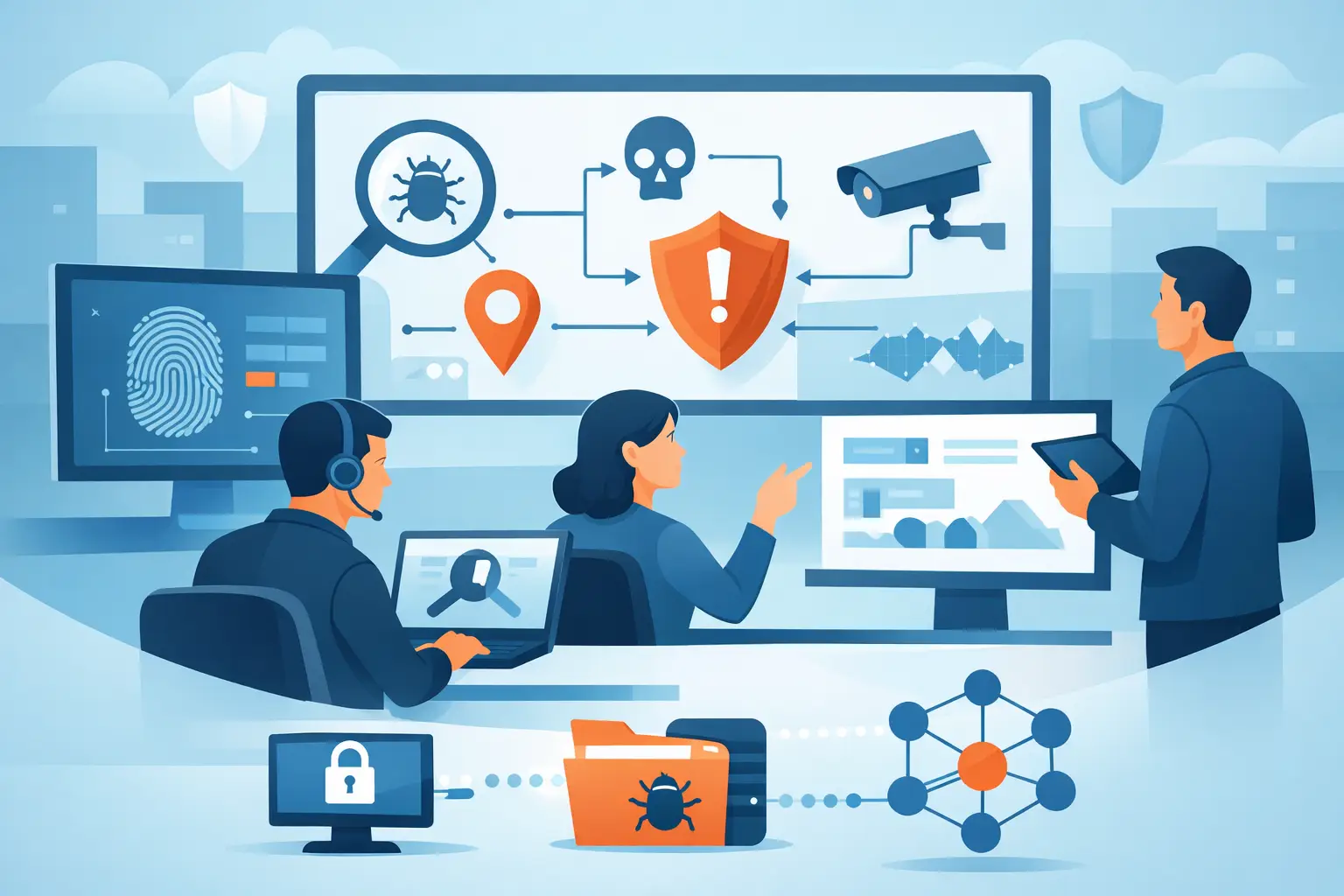
A high-severity alert rarely arrives with a complete story. An analyst may see an impossible-travel login, a suspicious PowerShell command, or an outbound connection to a new domain. What matters is whether they can quickly determine who is affected, what happened before and after the event, and what action stops the threat. This threat investigation workflow guide gives SOC teams a practical operating model for making those decisions without losing hours to console switching, duplicate alerts, and incomplete evidence.
The objective is not to investigate every alert with the same depth. It is to apply the right level of scrutiny, at the right speed, using correlated evidence from identity, endpoint, network, cloud, firewall, and email systems. A good workflow produces two outcomes: a contained threat when malicious activity is confirmed, or a documented, defensible closure when it is not.
Why threat investigations break down
Most investigations do not fail because analysts lack technical skill. They fail because the evidence is fragmented. A phishing alert lives in an email console, the resulting credential use appears in an identity provider, and the endpoint behavior sits in an EDR tool. Each system may show a valid signal, but none provides the full attack path.
That fragmentation creates three operational problems. First, analysts spend too much time gathering basic context before they can assess risk. Second, separate tools generate overlapping alerts that inflate queue volume and hide priority. Third, incident handoffs become inconsistent because every analyst has assembled a different version of the evidence.
A workflow should correct those problems by treating an alert as the entry point to an incident, not as the incident itself. The investigation must connect related activity, identify the affected assets and identities, and establish whether the behavior is isolated or part of an active campaign.
Threat investigation workflow guide: the core stages
A repeatable workflow has six stages: intake, triage, scoping, validation, containment, and closure. The stages are straightforward. The discipline comes from defining the evidence required to move forward and automating the repetitive work around it.
1. Intake: normalize and group incoming signals
The first step is to collect alerts and telemetry into a common incident view. That includes detection source, time, severity, affected user or host, relevant indicators, and supporting event data. A raw alert without this context should not force an analyst to open five separate consoles just to identify the device owner or source IP.
Correlation is critical at intake. Alerts involving the same user, hostname, IP address, process hash, cloud workload, or campaign indicator should be grouped when the timing and behavior support a relationship. This reduces alert fatigue and gives analysts a coherent starting point.
Be careful not to over-group. Two alerts sharing a public IP address may be unrelated in a large environment. Correlation rules need confidence thresholds, time windows, and entity context. The goal is fewer, better incidents, not one oversized case containing unrelated activity.
2. Triage: establish urgency and likely impact
Triage answers a narrow question: does this incident need immediate action? Analysts should assess detection confidence, asset criticality, identity privilege, known malicious indicators, and signs of active execution or spread.
A suspicious attachment delivered to a general user may be lower urgency if no one opened it. The same attachment executed on a finance administrator's endpoint, followed by credential access behavior, requires immediate escalation. Severity should reflect both the detection and the business context.
At this stage, automation can enrich the incident with user role, device criticality, vulnerability exposure, geolocation, threat intelligence matches, and recent related activity. Enrichment does not replace analyst judgment. It eliminates the manual lookup work that delays it.
3. Scope the incident around entities and timeline
Once an incident is credible, the analyst needs to understand its blast radius. Start with the primary entities: the user account, endpoint, mailbox, cloud workload, source and destination IPs, domains, and files involved. Then look backward and forward in time.
The backward view helps identify initial access. Was there a phishing email, exposed credential, unpatched service, or suspicious VPN session? The forward view identifies impact and progression, including process execution, privilege changes, lateral movement, mailbox rule creation, unusual data transfer, or additional affected systems.
A unified timeline is more useful than a collection of timestamped exports. It should show related events across the environment in sequence and make entity pivots fast. When an analyst can move from a malicious email to the recipient's sign-in activity, endpoint process tree, and outbound connections in one workflow, investigation speed changes materially.
4. Validate the threat before disruptive action
Validation separates suspicious behavior from confirmed malicious activity. Analysts should test the original detection against the collected evidence and form a clear hypothesis. For example: a compromised account was used to access Microsoft 365, create forwarding rules, and download sensitive files. Every next query should either support or challenge that hypothesis.
This is where false positives must be closed with care. An administrator may legitimately run remote scripting tools. A user may travel between locations. A cloud service may generate high-volume network activity during a scheduled backup. Context such as approved changes, normal user behavior, allowlisted tools, and historical patterns can prevent unnecessary disruption.
But validation cannot become an excuse for delay. If evidence indicates ransomware execution, active credential theft, or data exfiltration, containment can begin while the investigation continues. The trade-off depends on business impact. Isolating a production server has consequences, but allowing an active attacker to move laterally is usually worse.
5. Contain and remediate with tracked actions
Containment actions should be specific to the attack path. They may include disabling or revoking sessions for a compromised account, isolating an endpoint, blocking a malicious domain or IP, quarantining a message, removing a mailbox rule, or restricting a cloud workload's access.
The workflow must record who took each action, when it occurred, and what evidence justified it. That record matters for shift handoffs, post-incident review, compliance, and executive reporting. It also prevents two analysts from issuing conflicting response actions during a fast-moving incident.
For repeatable threats, approved response playbooks can automate defined actions. Phishing campaigns are a common example: identify similar messages, quarantine them, block known indicators, and force password resets when credential compromise is confirmed. Automation should have clear guardrails. High-confidence, low-risk actions are strong candidates; actions that can interrupt critical business services may require approval.
6. Close with evidence, ownership, and detection improvement
Closing an incident is not simply changing a status field. The case should state the root cause or best-supported conclusion, affected entities, investigation timeline, containment actions, remaining risk, and follow-up owner.
If the activity was benign, document why. If it was malicious, capture what detection logic worked, what context was missing, and whether related controls need adjustment. This turns each investigation into an operational improvement rather than a one-time firefight.
What the analyst workspace must provide
A workflow is only as efficient as the environment supporting it. Analysts need a single incident workspace that brings together telemetry, entity context, investigation notes, timelines, assignments, and response actions. Moving between a SIEM, SOAR, EDR, identity console, firewall portal, and ticketing system creates latency at every decision point.
Helxon's VORXOC platform is designed around this operational requirement, correlating security telemetry into a unified incident workflow rather than asking analysts to manually assemble the story across disconnected tools. For internal SOCs, that supports direct control and faster case handling. For lean teams, the same workflow can support 24/7 managed analyst coverage without creating a separate operating model.
The most useful metrics are operational, not cosmetic. Track mean time to acknowledge, mean time to investigate, mean time to contain, incident reopen rate, false-positive rate, and the percentage of incidents with complete evidence and documented actions. Also measure alert-to-incident compression. If thousands of alerts become a manageable set of prioritized cases without losing detections, the SOC is gaining capacity.
Build for the incident you have, not the stack you inherited
A threat investigation workflow should give analysts control at the moment it matters: when a weak signal may be the first sign of a serious compromise. Start by standardizing triage criteria, required evidence, escalation thresholds, and closure documentation. Then remove the manual steps that do not require human judgment.
The result is not merely a faster queue. It is a SOC that can explain what happened, act with confidence, and prove that response decisions were based on complete context. That is the standard security leaders should expect from every investigation.